

From Development to Deployment: A Complete PHP Workflow
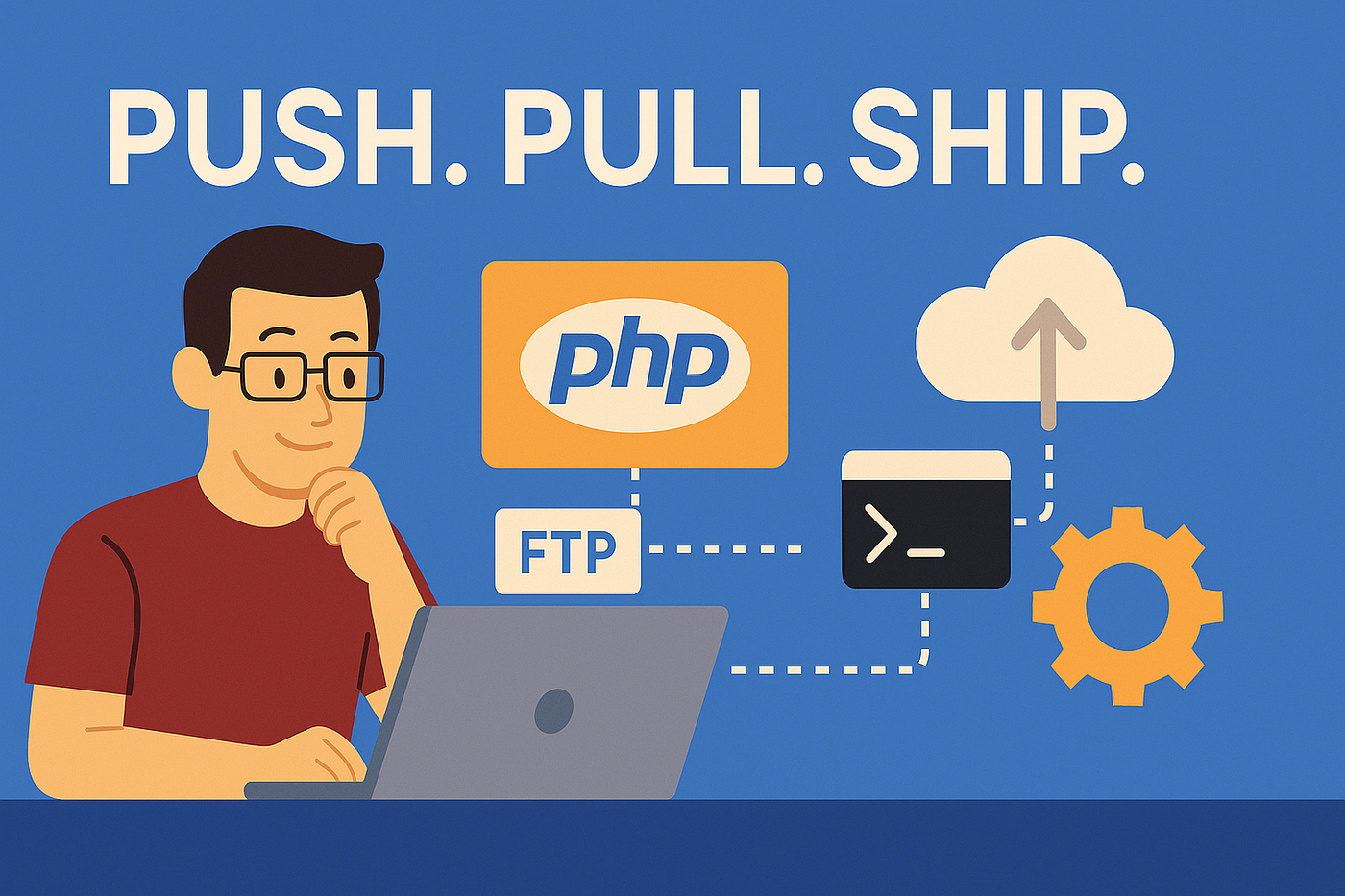
Creating a PHP application involves several stages, from initial development to final deployment. Each stage has its own set of best practices and tools that can help ensure a smooth and efficient workflow. In this blog, we'll walk through a complete PHP workflow, covering development, testing, optimization, and deployment.
1. Planning and Requirements Gathering
Before writing any code, it's essential to understand the project's requirements and scope. This stage involves:
- Defining Objectives: Clearly outline what the application should achieve.
- Gathering Requirements: Collect detailed requirements from stakeholders.
- Creating a Project Plan: Develop a roadmap that includes timelines, milestones, and deliverables.
2. Setting Up the Development Environment
A well-configured development environment is crucial for efficient coding. Key steps include:
- Choosing a Code Editor or IDE: Popular choices include Visual Studio Code, PhpStorm, and Sublime Text.
- Installing PHP: Ensure you have the latest stable version of PHP installed.
- Setting Up a Local Server: Use tools like XAMPP, MAMP, or Docker to create a local development server.
Example: Setting up Docker for PHP development.
# docker-compose.yml version: '3.7' services: web: image: php:8.0-apache volumes: - ./src:/var/www/html ports: - "8080:80" db: image: mysql:5.7 environment: MYSQL_ROOT_PASSWORD: secret MYSQL_DATABASE: myapp
3. Project Initialization
Once the environment is ready, initialize your project. This includes setting up the project structure and version control.
- Directory Structure: Organize your project directories logically, e.g.,
srcfor source code,publicfor public assets. - Version Control: Use Git to track changes and collaborate with others.
Example: Basic directory structure.
myapp/ ├── src/ │ ├── controllers/ │ ├── models/ │ ├── views/ ├── public/ │ ├── index.php ├── .gitignore ├── composer.json
Example: Initializing a Git repository.
git init git add . git commit -m "Initial commit"
4. Development
The development phase involves writing the core functionality of your application. Key practices include:
- Using a Framework: Choose a PHP framework like Laravel, Symfony, or CodeIgniter to streamline development.
- Adopting MVC Architecture: Separate concerns by using the Model-View-Controller pattern.
- Writing Clean Code: Follow coding standards like PSR-12 to maintain code quality.
Example: Creating a basic route in Laravel.
// routes/web.php Route::get('/', function () { return view('welcome'); });
5. Testing
Testing ensures your application works as expected and helps catch bugs early. Types of testing include:
- Unit Testing: Test individual components with PHPUnit.
- Integration Testing: Ensure different parts of the application work together.
- End-to-End Testing: Test the application from the user's perspective using tools like Selenium.
Example: A basic PHPUnit test.
// tests/Feature/ExampleTest.php use Tests\TestCase; class ExampleTest extends TestCase { public function testHomePage() { $response = $this->get('/'); $response->assertStatus(200); } }
6. Optimization
Optimizing your application improves performance and user experience. Key areas to focus on include:
- Database Optimization: Use indexing, query optimization, and caching.
- Code Optimization: Refactor code for efficiency and use built-in PHP functions.
- Asset Optimization: Minimize and compress CSS, JavaScript, and images.
Example: Caching database queries with Laravel.// Controller method $users = Cache::remember('users', 60, function () { return User::all(); });
7. Deployment Preparation
Preparing for deployment involves ensuring your application is production-ready. Steps include:
- Environment Configuration: Use environment variables to manage configuration.
- Security Enhancements: Implement measures like input validation, HTTPS, and secure session management.
- Build Scripts: Create scripts to automate tasks like minification, compilation, and testing.
Example: Using environment variables in Laravel.
env
Copy code
# .env file APP_ENV=production APP_DEBUG=false APP_URL=https://example.com
8. Deployment
Deploying your PHP application involves moving it from the development environment to a production server. Popular deployment methods include:
- Manual Deployment: Upload files via FTP or SSH.
- Automated Deployment: Use CI/CD tools like Jenkins, GitHub Actions, or Bitbucket Pipelines.
Example: Basic deployment with GitHub Actions.
# .github/workflows/deploy.yml name: Deploy on: push: branches: - main jobs: deploy: runs-on: ubuntu-latest steps: - uses: actions/checkout@v2 - name: Set up PHP uses: shivammathur/setup-php@v2 with: php-version: '8.0' - name: Install dependencies run: composer install --no-dev - name: Deploy to server env: SSH_PRIVATE_KEY: ${{ secrets.SSH_PRIVATE_KEY }} SERVER_HOST: ${{ secrets.SERVER_HOST }} SERVER_USER: ${{ secrets.SERVER_USER }} run: | ssh -i $SSH_PRIVATE_KEY $SERVER_USER@$SERVER_HOST "cd /var/www/html && git pull origin main && composer install --no-dev"
9. Post-Deployment Monitoring
After deployment, it's important to monitor your application to ensure it's running smoothly. Key practices include:
- Error Monitoring: Use tools like Sentry or New Relic to track errors and performance issues.
- Log Management: Collect and analyze logs with tools like ELK Stack (Elasticsearch, Logstash, Kibana) or Papertrail.
- Performance Monitoring: Regularly check application performance and load times.
Example: Configuring Laravel logging.
php
Copy code
// config/logging.php 'channels' => [ 'stack' => [ 'driver' => 'stack', 'channels' => ['daily'], ], 'daily' => [ 'driver' => 'daily', 'path' => storage_path('logs/laravel.log'), 'level' => 'debug', 'days' => 14, ], ];
Conclusion
From development to deployment, a well-structured PHP workflow ensures that your application is built efficiently, tested thoroughly, and deployed seamlessly. By following best practices at each stage, you can create robust, high-performance PHP applications that meet user needs and business goals. Embrace the power of PHP and streamline your workflow to deliver outstanding web applications.
.jpeg)

.jpeg)