

How Website Testing Improves User Experience and Conversions
Learn the importance of website testing, its types, tools, and best practices to improve performance, user experience, and overall website quality.
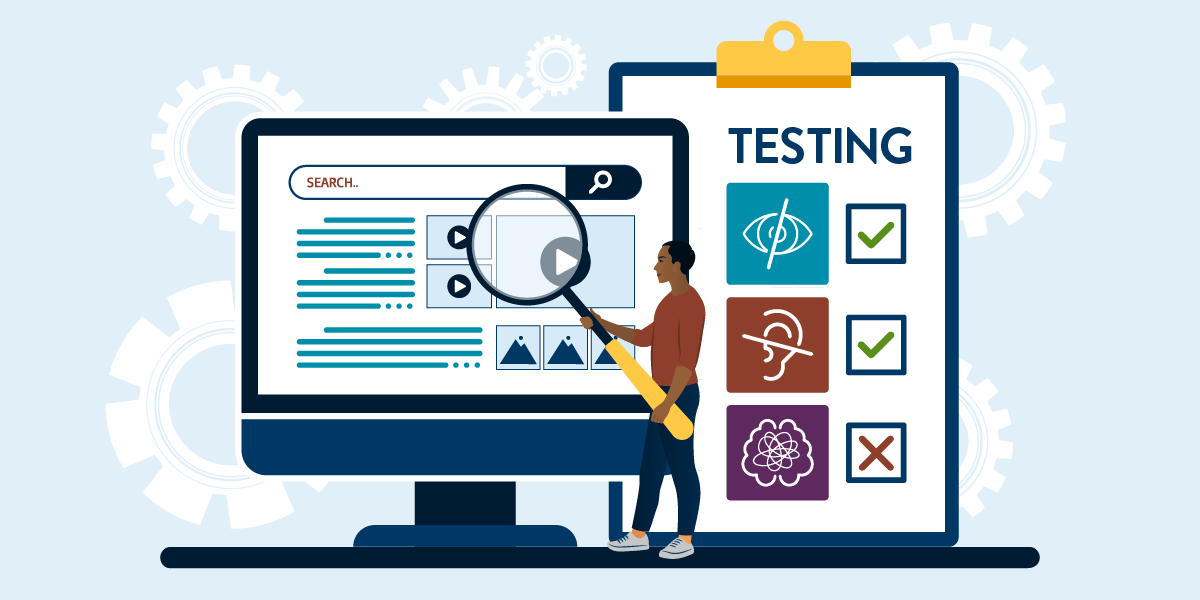
In today’s digital landscape, a website is often the first interaction between a business and its customers. A slow, broken, or poorly functioning website can drive users away and damage your brand’s reputation. This is where website testing plays a crucial role. It ensures that your website works flawlessly, delivers a seamless user experience, and meets business goals effectively.
What is Website Testing?
Website testing is the process of evaluating a website’s functionality, performance, usability, and security before it goes live or during updates. It helps identify bugs, errors, and issues that could negatively impact user experience.
Types of Website Testing
1. Functional Testing
This type of testing ensures that all features of the website work correctly. It includes testing forms, buttons, links, navigation, and user interactions.
2. Usability Testing
Usability testing focuses on how user-friendly a website is. It checks whether users can easily navigate and interact with the site without confusion.
3. Performance Testing
Performance testing evaluates how fast your website loads and performs under different conditions, including high traffic.
4. Compatibility Testing
This ensures your website works properly across different browsers (Chrome, Firefox, Safari) and devices (mobile, tablet, desktop).
5. Security Testing
Security testing identifies vulnerabilities and ensures your website is protected against threats like hacking and data breaches.
Benefits of Website Testing
- Improves User Experience: Ensures smooth navigation and functionality
- Reduces Errors and Bugs: Identifies issues before users encounter them
- Enhances Performance: Improves loading speed and responsiveness
- Increases Conversions: A well-functioning site leads to better engagement
- Builds Trust and Credibility: Users trust websites that work flawlessly
Best Practices for Website Testing
1. Test Early and Often
Start testing during the development phase and continue regularly after launch.
2. Use Automated Tools
Automation tools can save time and improve accuracy in repetitive testing tasks.
3. Perform Cross-Browser Testing
Ensure your website works consistently across all major browsers.
4. Check Mobile Responsiveness
With most users accessing websites via mobile, responsive design is essential.
5. Monitor Performance Regularly
Use tools to track website speed, uptime, and performance continuously.
Common Website Testing Tools
- Google Lighthouse
- Selenium
- BrowserStack
- GTmetrix
- Apache JMeter
Common Mistakes to Avoid
- Skipping testing before launch
- Ignoring mobile users
- Not testing under real-world conditions
- Overlooking security vulnerabilities
- Relying only on manual testing
Future of Website Testing
As technology evolves, website testing is becoming more advanced with AI-powered tools and automation. These tools can predict issues, improve testing efficiency, and provide deeper insights into user behavior. The future of website testing will focus more on speed, accuracy, and user-centric performance.
Conclusion
Website testing is an essential part of building and maintaining a successful online presence. It ensures your website is reliable, fast, and user-friendly. By investing in proper testing strategies, businesses can deliver a seamless experience, improve customer satisfaction, and achieve better results. In a competitive digital world, a well-tested website is the foundation of success.

.jpeg)