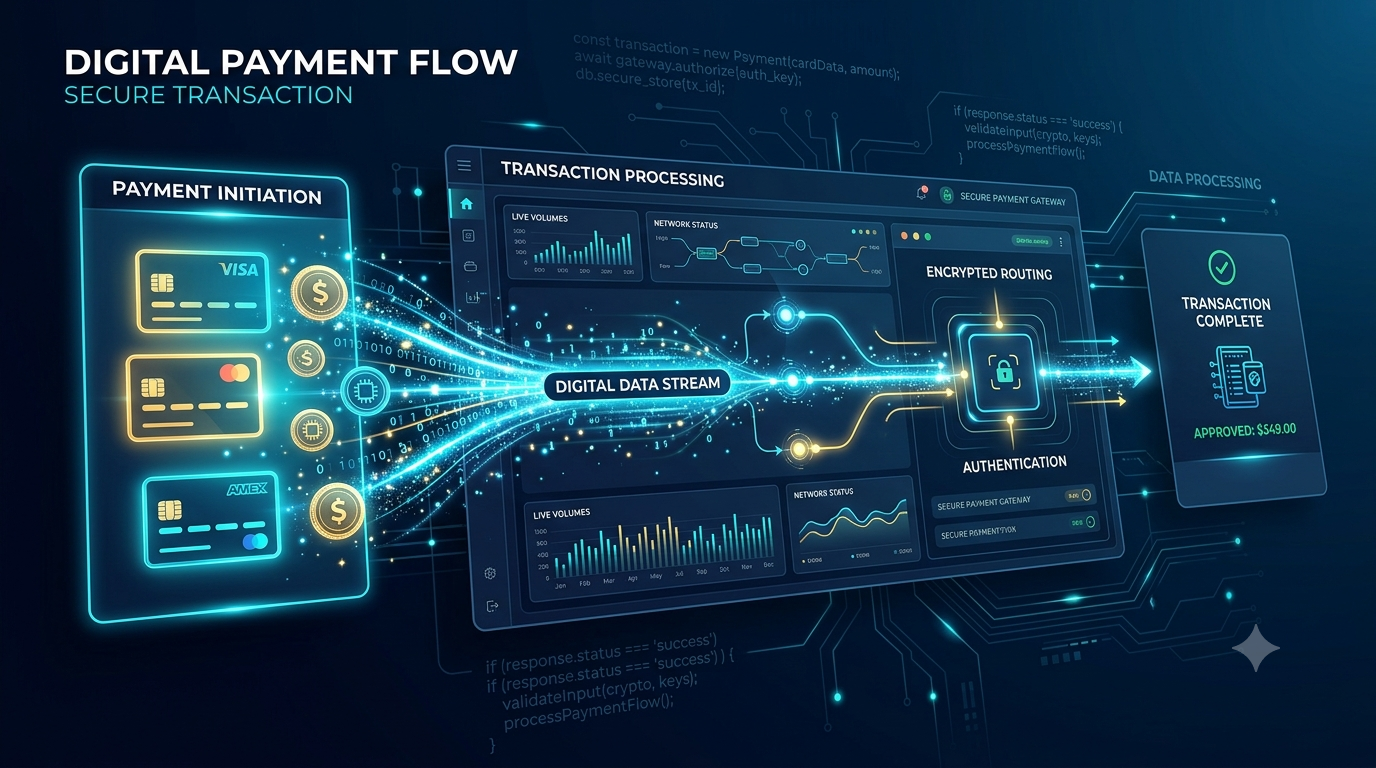

PHP and Google Cloud Pub/Sub: Event-Driven Architecture Made Easy
Event-driven architecture (EDA) has become a popular design pattern for building scalable and decoupled applications. By using events to trigger and communicate between services, EDA enables real-time processing and improves system responsiveness. Google Cloud Pub/Sub is a powerful messaging service that supports event-driven systems by providing reliable, scalable, and asynchronous communication between services. In this blog, we will explore how to integrate PHP applications with Google Cloud Pub/Sub to implement event-driven architecture.
What is Google Cloud Pub/Sub?
Google Cloud Pub/Sub is a fully managed messaging service that allows you to send and receive messages between independent applications. It provides the following key features:
- Scalability: Automatically scales to handle millions of messages per second.
- Reliability: Ensures at-least-once delivery of messages.
- Asynchronous Communication: Decouples producers and consumers, enabling independent scaling and development.
- Real-Time Messaging: Supports real-time data streaming and event processing.
Why Use PHP with Google Cloud Pub/Sub?
PHP is a widely used server-side scripting language that is well-suited for web development. Integrating PHP with Google Cloud Pub/Sub allows developers to leverage event-driven architecture to build responsive and scalable applications. Benefits include:
- Decoupling Services: Separates different parts of the application, making it easier to manage and scale.
- Real-Time Processing: Enables real-time data processing and responsiveness.
- Fault Tolerance: Improves system resilience by handling failures gracefully.
Getting Started with PHP and Google Cloud Pub/Sub
Step 1: Setting Up Google Cloud Pub/Sub
- Create a Google Cloud Platform Account: Sign up at cloud.google.com.
- Create a New Project: In the GCP Console, create a new project.
- Enable the Pub/Sub API: Navigate to the APIs & Services Dashboard and enable the Pub/Sub API for your project.
- Create a Topic: A topic is a named resource to which messages are sent by publishers.
- Create a Subscription: A subscription is a named resource representing the stream of messages from a single, specific topic.
Step 2: Setting Up Your PHP Environment
-
Install Google Cloud PHP Client Library: Use Composer to install the Google Cloud Pub/Sub client library for PHP.
composer require google/cloud-pubsub -
Set Up Authentication: Download the service account key from the GCP Console and set the
GOOGLE_APPLICATION_CREDENTIALSenvironment variable.export GOOGLE_APPLICATION_CREDENTIALS="/path/to/your-service-account-file.json"
Step 3: Publishing Messages
Here’s how to publish messages to a Pub/Sub topic using PHP:
$projectId, ]); // Retrieve an existing topic $topic = $pubSub->topic($topicId); // Publish a message $messageData = 'Hello, Pub/Sub!'; $topic->publish([ 'data' => $messageData, ]); echo 'Message published: ' . $messageData; ?>
Step 4: Subscribing to Messages
Here’s how to subscribe to messages from a Pub/Sub topic using PHP:
$projectId, ]); // Retrieve an existing subscription $subscription = $pubSub->subscription($subscriptionId); // Pull and acknowledge messages foreach ($subscription->pull() as $message) { echo 'Message received: ' . $message->data() . PHP_EOL; $subscription->acknowledge($message); } ?>
Step 5: Implementing Event-Driven Architecture
By integrating Pub/Sub with PHP, you can implement an event-driven architecture for various use cases, such as:
- Real-Time Notifications: Send real-time notifications to users based on events (e.g., new messages, updates).
- Data Processing Pipelines: Build data processing pipelines that handle data streams in real-time.
- Microservices Communication: Enable communication between microservices without tight coupling.
Best Practices
- Idempotency: Ensure that message processing is idempotent to handle duplicate messages gracefully.
- Error Handling: Implement robust error handling and retry mechanisms.
- Security: Use proper authentication and authorization to secure your Pub/Sub interactions.
Conclusion
In this blog post, we explored how to implement event-driven architecture with PHP and Google Cloud Pub/Sub. By leveraging Pub/Sub’s scalable and reliable messaging capabilities, PHP developers can build responsive and decoupled applications that handle real-time events efficiently. Start integrating Google Cloud Pub/Sub with your PHP applications today and unlock the full potential of event-driven architecture for your projects.
.jpeg)