
Why Elementor is the Best Page Builder for WordPress in 2026
Learn everything about Elementor, the powerful WordPress page builder. Discover its features, benefits, and how to create stunning websites without coding.
In today’s digital world, having a professional and visually appealing website is essential for businesses, freelancers, and creators. However, not everyone has coding skills to design a website from scratch. This is where Elementor comes in—a powerful drag-and-drop page builder for WordPress that allows anyone to create stunning websites without writing a single line of code.
What is Elementor?
Elementor is a popular WordPress page builder plugin that enables users to design websites visually using a simple drag-and-drop interface. It eliminates the need for coding and provides real-time editing, making website creation fast and easy.
With millions of active users worldwide, Elementor has become one of the most trusted tools for web design.
Key Features of Elementor
1. Drag-and-Drop Editor
Elementor allows users to design pages visually by dragging elements like text, images, buttons, and videos directly onto the page.
2. Pre-Designed Templates
It offers hundreds of ready-made templates that help you build websites quickly without starting from scratch.
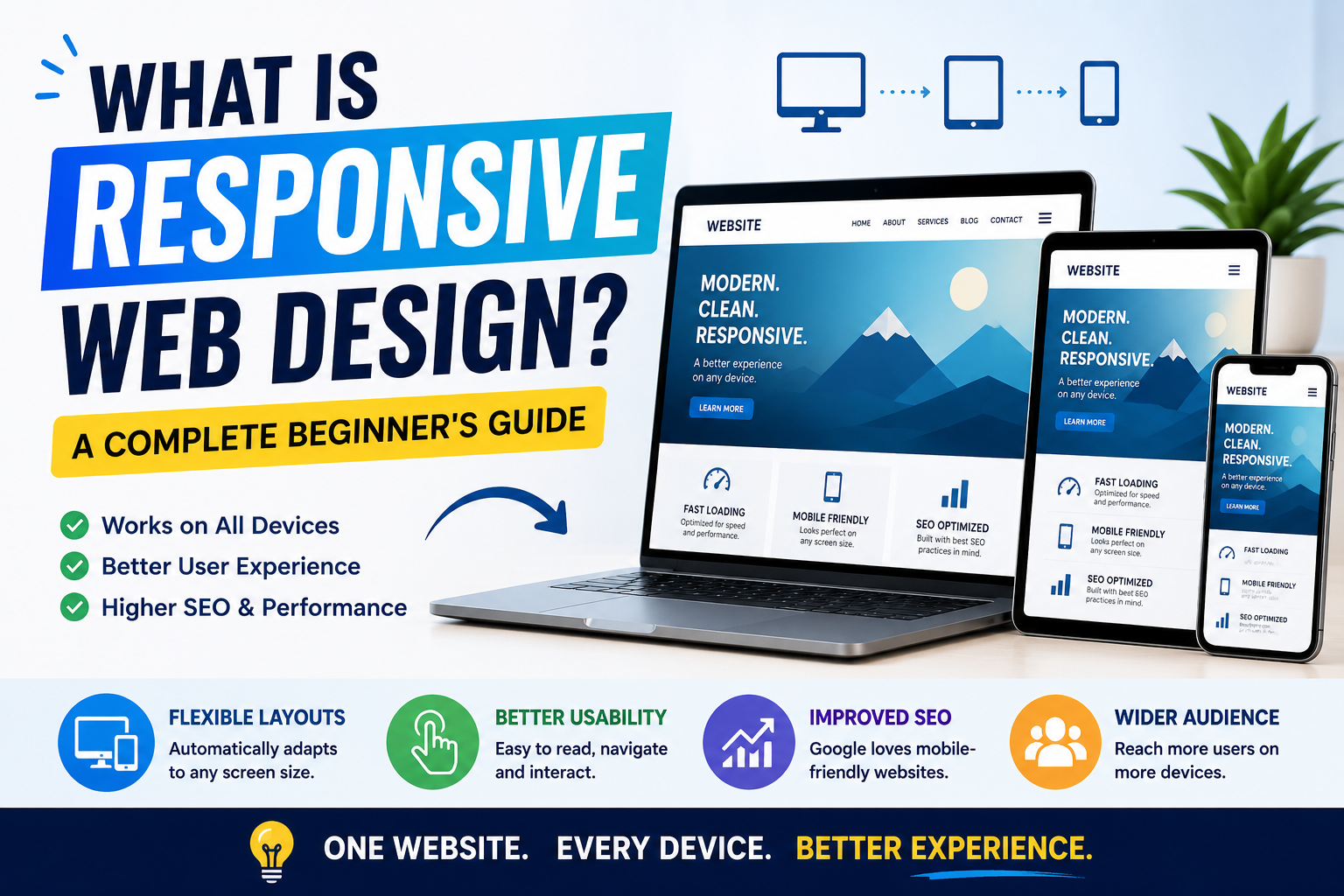
3. Responsive Design
Websites created with Elementor are mobile-friendly and automatically adjust to different screen sizes.
4. Custom Widgets
Elementor provides a wide range of widgets such as sliders, forms, galleries, testimonials, and more.
5. Theme Builder
With Elementor Pro, you can design headers, footers, and entire themes without touching code.
6. SEO-Friendly
Elementor follows best SEO practices, helping your website rank better on search engines.
Elementor Free vs Elementor Pro
| Feature | Free Version | Pro Version |
|---|---|---|
| Basic Widgets | ✔️ | ✔️ |
| Templates | Limited | Extensive |
| Theme Builder | ❌ | ✔️ |
| WooCommerce Builder | ❌ | ✔️ |
| Advanced Design Features | ❌ | ✔️ |
Elementor Pro unlocks advanced features that are ideal for professionals and businesses.
Benefits of Using Elementor
✔ Easy to Use
Even beginners can create professional websites without technical knowledge.
✔ Time-Saving
Pre-built templates and widgets speed up the design process.
✔ Cost-Effective
No need to hire expensive developers for simple websites.
✔ Flexible Design
Customize every part of your website according to your brand.
✔ Real-Time Editing
See changes instantly while designing.
How to Get Started with Elementor
- Install WordPress on your hosting
- Go to Plugins → Add New
- Search for “Elementor”
- Click Install and Activate
- Start designing using the drag-and-drop editor
Who Should Use Elementor?
- Freelancers
- Small business owners
- Bloggers
- Web designers
- Digital marketers
Elementor is suitable for anyone who wants to build a website quickly and professionally.
Tips to Use Elementor Effectively
- Use lightweight themes like Astra
- Optimize images for faster loading
- Avoid using too many widgets
- Use global settings for consistency
- Regularly update plugins
Conclusion
Elementor has revolutionized website design by making it accessible to everyone. Whether you’re a beginner or a professional, it provides all the tools needed to create beautiful, responsive, and high-performing websites.
If you’re looking for a fast, flexible, and user-friendly way to build your website, Elementor is undoubtedly one of the best choices available today.